

Ergonomic eye-care monitors reduce strain with flicker-free panels, low blue-light modes, and flexible stands. Prioritize 27-32" QHD/4K, 100+ Hz, and TÜV/UL certifications for long sessions.
Month: February 2026

Heavy-duty VESA monitor arms free desk space while stabilizing larger displays, enabling precise height, tilt, and reach adjustments for better posture and reduced neck strain-ideal for demanding ergonomic setups.
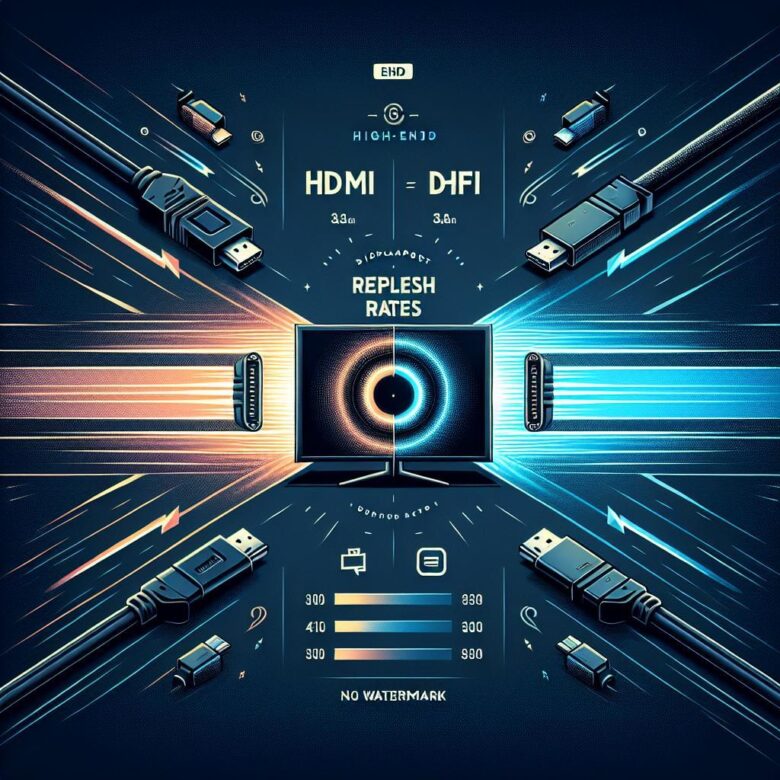
DisplayPort typically delivers higher refresh rates on PC monitors via adaptive sync, while HDMI is ideal for TVs and consoles. Match the cable version to your target Hz and resolution.
Fix tearing with V-Sync/G-Sync/FreeSync and matched refresh rates. Reduce ghosting by tuning overdrive. Confirm dead pixels with solid-color tests; replace if within warranty.
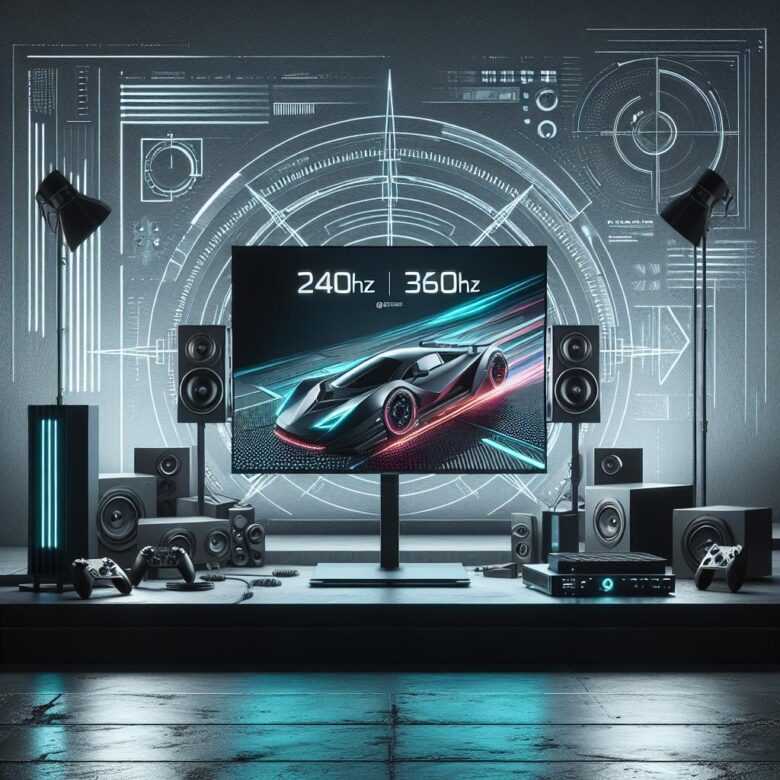
240Hz and 360Hz monitors reduce motion blur and input latency for competitive play. Learn how refresh rate, response time, VRR, and GPU output determine real-world gains.
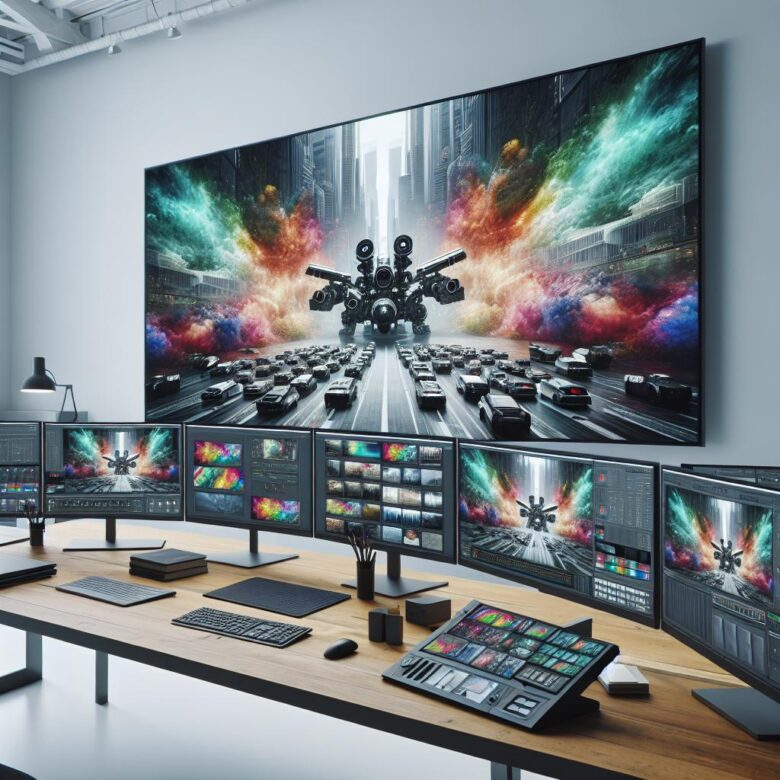
Color-accurate monitors with wide-gamut coverage, true 10-bit panels, and hardware calibration ensure reliable grading and retouching. Prioritize uniformity, low ΔE, and stable factory profiles.
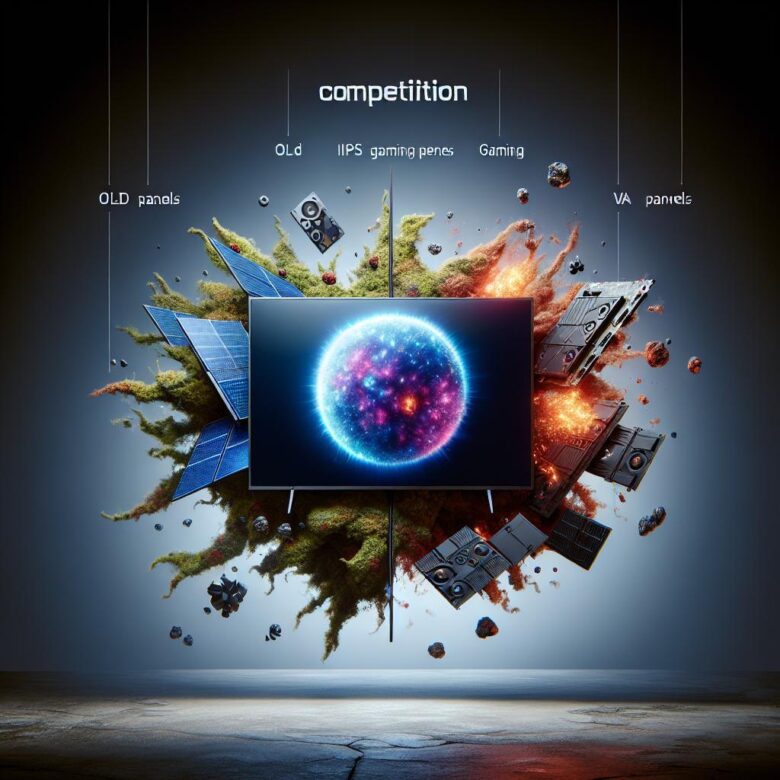
OLED offers near-instant pixel response and top contrast; IPS leads in color and clarity; VA boosts blacks but may smear. For esports, prioritize response + high refresh.
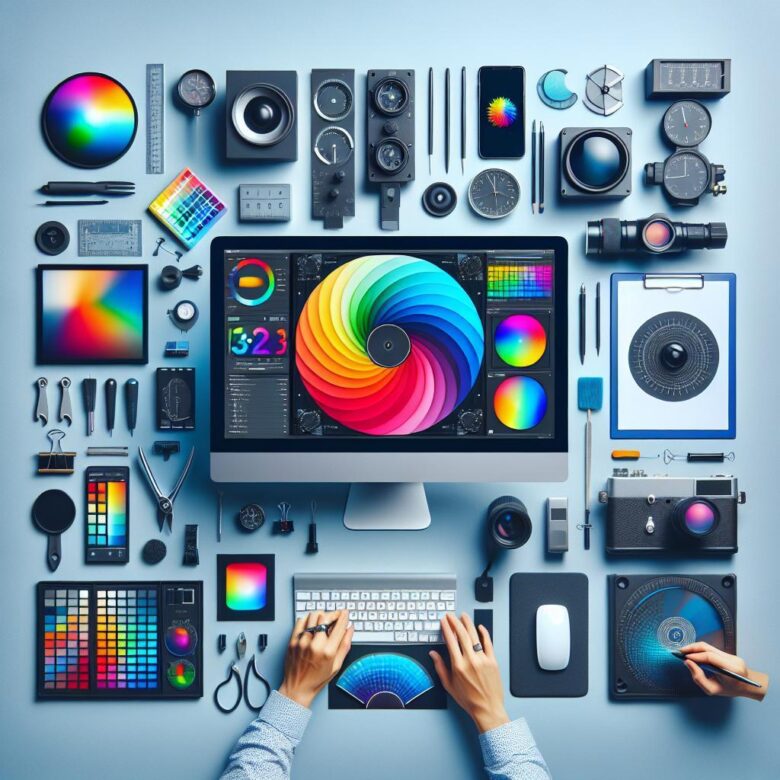
For accurate color, warm up your display 30 minutes, set brightness to match room light, and apply a calibration profile (preferably with a colorimeter). Recheck monthly to stay consistent.